QR Code Guide: Everything You Need to Know
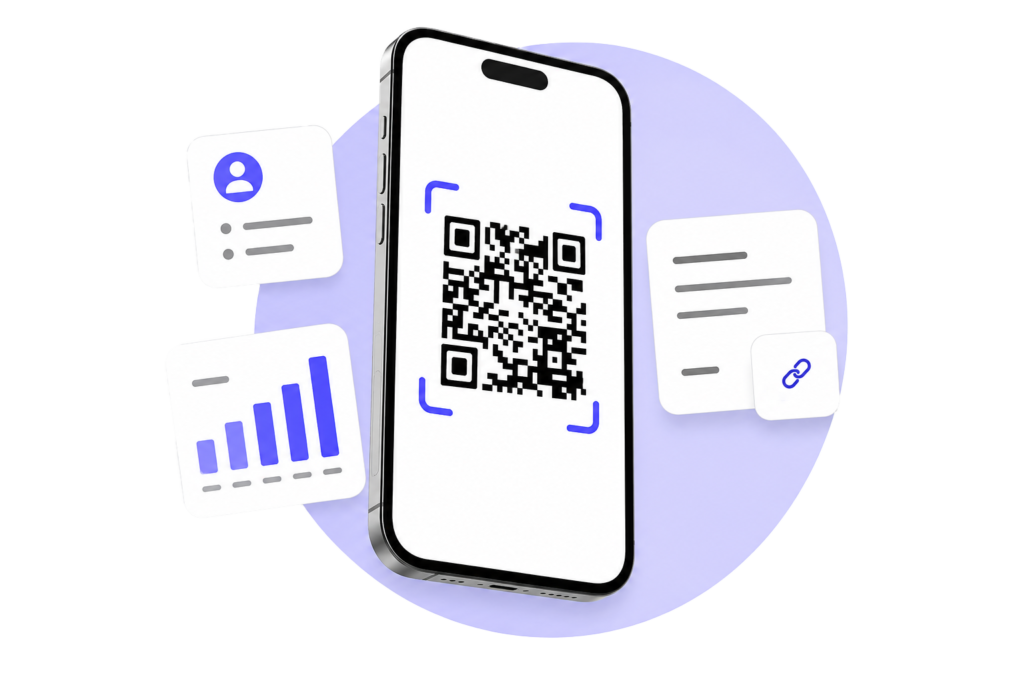
This QR Code Guide from Genie QR explains everything you need to know about QR Codes, including how they work, where they are used, the difference between Static and Dynamic QR Codes, and how to create professional QR Codes for personal or business use.
Whether you’re a beginner or an experienced marketer, this guide will help you get the most out of QR Code technology.
20+
QR Code types
Milions
Happy User
100%
Free to Started
What is QR Code?
A QR Code (Quick Response Code) is a two-dimensional barcode that stores digital information such as website URLs, contact details, PDF documents, WiFi credentials, locations, phone numbers, email addresses, and much more. Unlike traditional one-dimensional barcodes, QR Codes can store significantly more information while remaining fast and easy to scan.
QR Codes were originally developed by DENSO WAVE, a Japanese company, and have since become one of the world’s most widely used technologies for connecting physical and digital experiences. Today, businesses, schools, healthcare providers, retailers, restaurants, and organizations use QR Codes to share information instantly with a simple smartphone scan.
Whether you’re sharing a website, promoting a product, collecting customer feedback, or providing contactless access to information, QR Codes offer a fast, reliable, and user-friendly solution.
This QR Code Guide is designed to help beginners and professionals understand QR Code technology and choose the right QR Code solution for every situation.
How Do QR Codes Work?
Now that you understand the basics, this QR Code Guide will help you explore the different types of QR Codes, their real-world applications, and the benefits they offer for businesses and individuals.
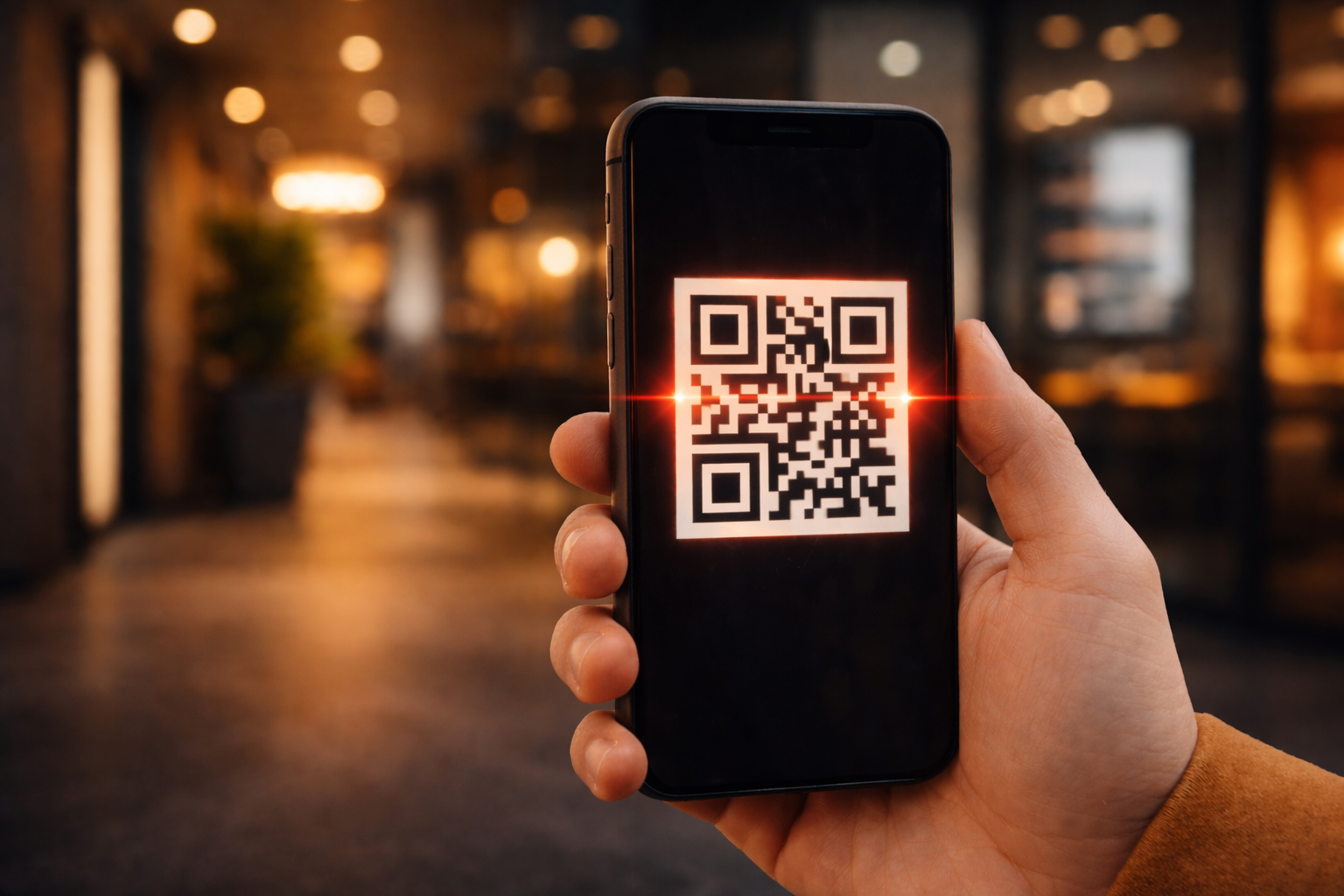
Understanding how QR Codes work is simple. Every QR Code stores digital information in a pattern of black and white squares. When a smartphone camera or QR scanner reads the code, it decodes the stored information and performs the associated action automatically. Depending on the content, this may open a website, display text, connect to a WiFi network, download a PDF, save contact details, or launch an application.
The entire process takes only a few seconds, making QR Codes one of the fastest and most convenient ways to connect offline users with digital content.
1. Information Is Encoded
Enter your website URL, contact details, WiFi credentials, PDF, or other information. The QR Code securely stores this data in a machine-readable format.
2. QR Code Is Scanned
Users simply open their smartphone camera or QR scanning app and point it at the QR Code.
3. Information Is Decoded
The smartphone instantly reads and decodes the information stored inside the QR Code.
4. Action Is Performed
The linked content opens immediately, whether it's a website, PDF, business profile, social media page, or another digital experience.
Static & Dynamic QR Codes
One of the most common questions people ask is whether they should choose a Static QR Code or a Dynamic QR Code. Both work in similar ways, but they are designed for different purposes. Understanding the difference will help you select the right QR Code solution for your personal, educational, or business needs.
Static QR Code
Static QR Codes are best for information that will never change. Once created, the content is permanently stored inside the QR Code and cannot be edited. They are completely free to create and are ideal for everyday use.
- 100% Free Forever
- No Signup Required
- Fixed Content (Not Editable)
- Unlimited Scans
- High-Quality PNG & SVG Downloads
Dynamic QR Codes
Dynamic QR Codes are designed for businesses, organizations, and professionals who need more flexibility. Instead of storing the final destination inside the QR Code, they allow you to update content, track scans, create landing pages, and manage everything from a secure dashboard.
- Edit Content After Printing
- QR Analytics & Scan Tracking
- Beautiful Landing Pages
- Centralized QR Dashboard
- Manage Multiple QR Campaigns
- Update Content Anytime
Common Uses of QR Codes
QR Codes are used across almost every industry because they provide a fast and convenient way to connect people with digital information. Whether you’re sharing a website, promoting products, collecting payments, or improving customer experiences, QR Codes make information instantly accessible with a single scan.
Websites & Landing Pages
Direct visitors to your website, online store, blog, portfolio, or marketing campaign without requiring them to type a URL.
Business & Contact Information
Share your business profile, digital business card, contact information, opening hours, and location with customers in one quick scan.
Products & Retail
Add QR Codes to product packaging, labels, catalogs, and displays so customers can instantly view product information, manuals, pricing, or promotional offers.
Restaurants & Cafés
Provide digital menus, online ordering, table reservations, WiFi access, customer feedback forms, and special offers using QR Codes.
Events & Conferences
Share event schedules, speaker information, registration pages, venue maps, tickets, and important updates with attendees.
Education & Training
Teachers and educational institutions use QR Codes to share assignments, study materials, online resources, presentations, videos, and classroom activities.
Healthcare
Hospitals, clinics, and healthcare providers use QR Codes for patient information, appointment booking, medication instructions, and digital forms.
Marketing & Advertising
Boost engagement by linking printed advertisements, brochures, posters, business cards, and packaging to websites, videos, promotions, or landing pages.
How to Scan a QR Codes on Your Phone
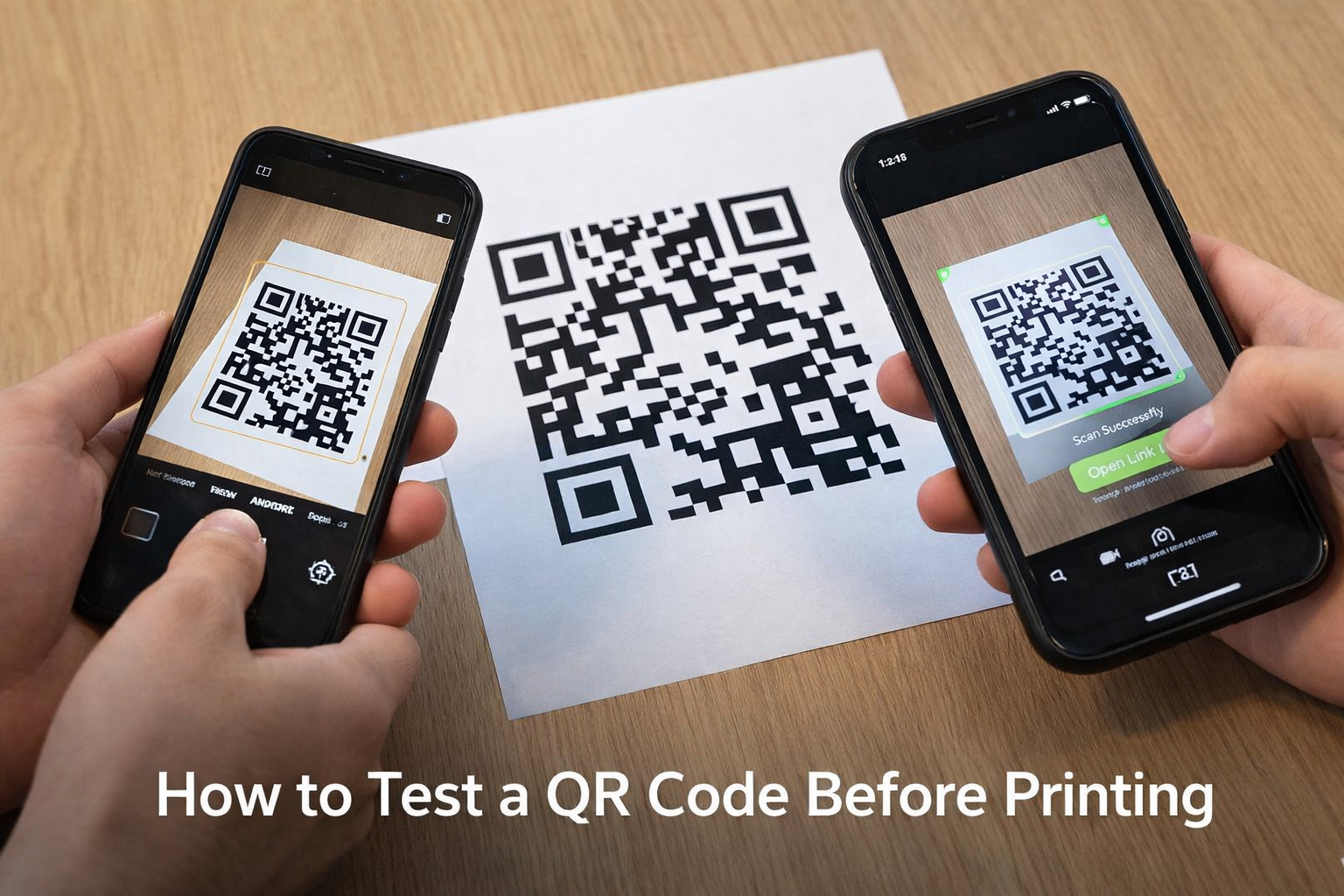
Scanning a QR Code is quick, easy, and supported by almost every modern smartphone. Most Android devices and iPhones include QR Code scanning directly in their default camera app, so there’s usually no need to install any additional software.
Open Camera
Open your smartphone's default camera application or your preferred QR Code scanner..
Scan QR Code
PHold your phone steady and position the QR Code inside the camera frame until it is recognized automatically.
Access Content
A pop-up will appear on your screen. Tap it to instantly open the website, contact details, or other content stored inside the QR Code.
Android Supported
Works with the default camera app.
iPhone Supported
Works with the default camera app.
No App Required
No need to install any extra app.