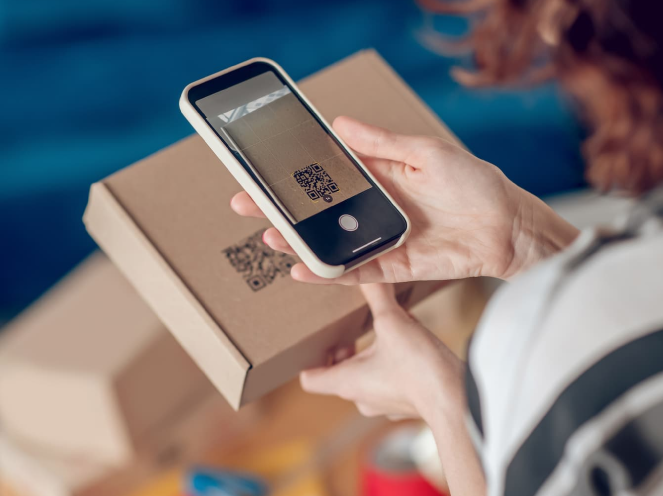
Explore real-world QR Code Use Cases across restaurants, retail, education, healthcare, hospitality, real estate, events, manufacturing, offices, and small businesses. Discover how QR Codes connect customers and employees with menus, product information, forms, tickets, resources, services, and other digital content.
QR Codes can connect physical locations, products, documents, signs, and printed materials with useful digital content. Businesses and organizations use them for everything from menus and product information to event registration, educational resources, property listings, guest services, and workplace information. Explore the examples below to see how QR Code applications vary across industries.
QR Code technology was originally developed by DENSO WAVE. For official technical information about QR Codes, visit the DENSO WAVE QR Code resource.
Restaurants & Cafés
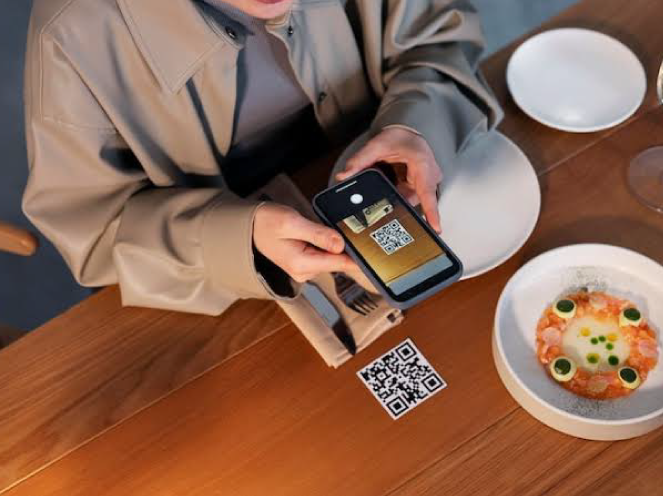
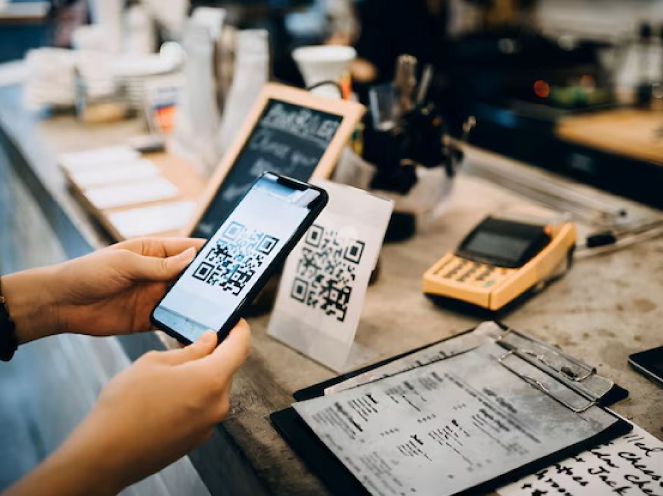
Popular QR Code Use Cases for restaurants and cafés include digital menus, online ordering, table reservations, WiFi access, special offers, and customer review pages, giving diners quick access to useful information from their smartphones.
Popular Uses
Digital Menus
Online Ordering
Table Reservations
Customer Reviews
Retail Stores
Retailers can place QR Codes on shelves, product packaging, displays, receipts, and promotional materials to connect shoppers with product details, demonstrations, special offers, loyalty programs, and customer support.
Popular Uses
Product Information
Exclusive Offers
Loyalty Programs
Customer Support
Education
Schools, colleges, and training organizations can use QR Codes to give students, teachers, and parents quick access to learning materials, assignments, forms, announcements, schedules, and other educational resources.
Popular Uses
Learning Materials
Assignment Submission
Attendance Tracking
Campus Announcements
Healthcare
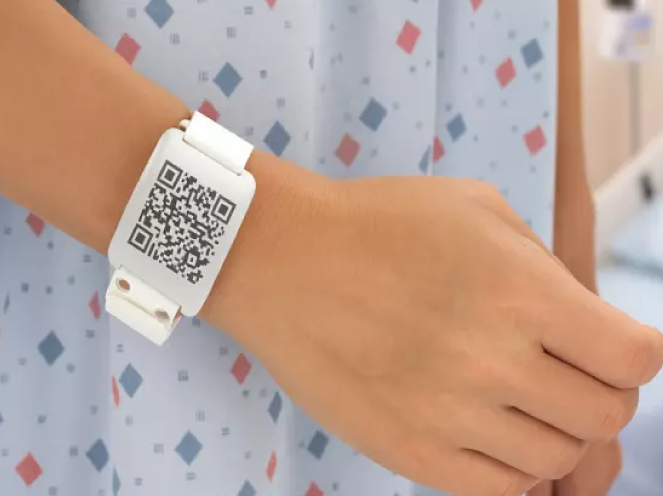
Healthcare organizations can use QR Codes to help patients access appointment pages, digital forms, general health information, medication guidance, and other approved online resources from signs, documents, and printed materials.
Popular Uses
Appointment Booking
Patient Information
Medication Guides
Health Resources
Events & Conferences
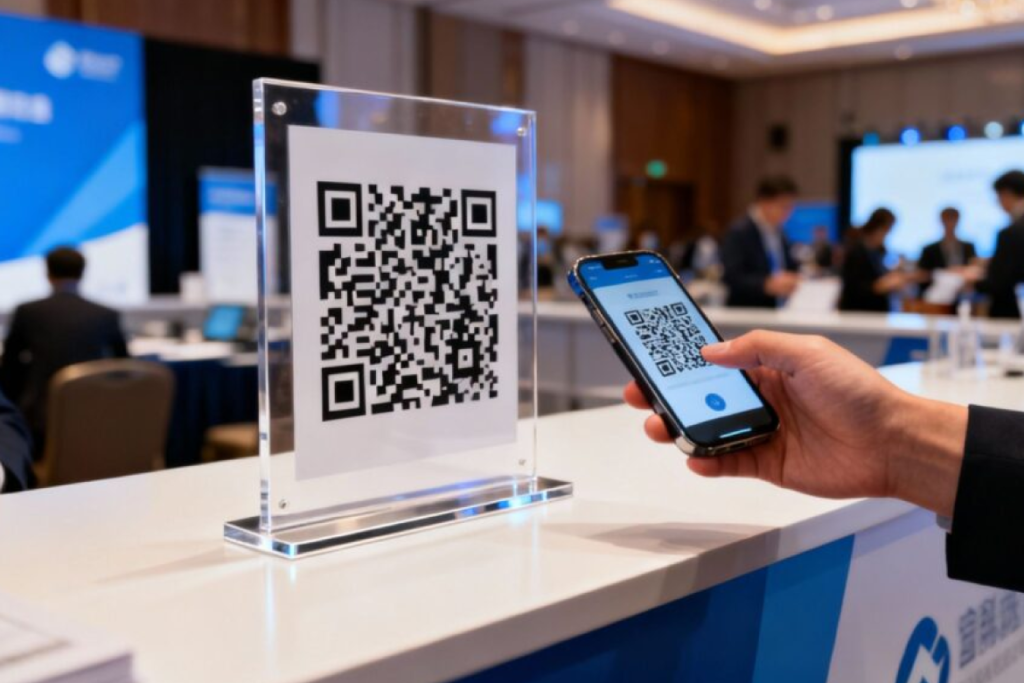
Event organizers can use QR Codes to connect attendees with registration pages, digital tickets, schedules, speaker information, venue details, feedback forms, and event updates.
Popular Uses
Event Registration
Digital Tickets
Event Schedules
Feedback Forms
Real Estate
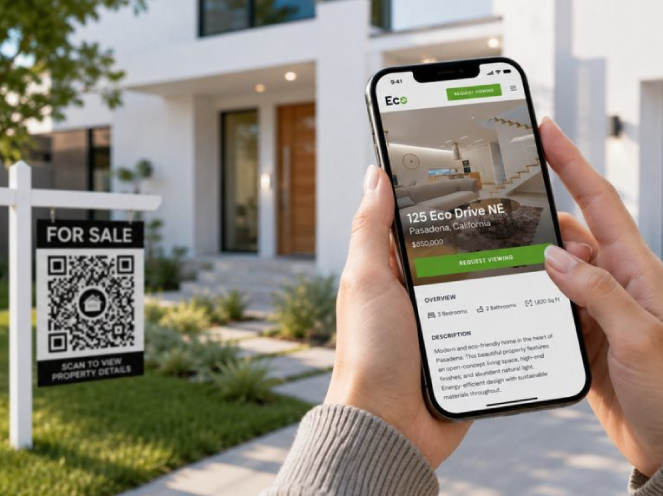
Real estate agents and property businesses can add QR Codes to signs, brochures, flyers, and listings so buyers and renters can quickly access property details, virtual tours, agent information, and viewing requests.
Popular Uses
Property Listings
Virtual Tours
Agent Contact Details
Schedule Property Visits
Hotels & Hospitality
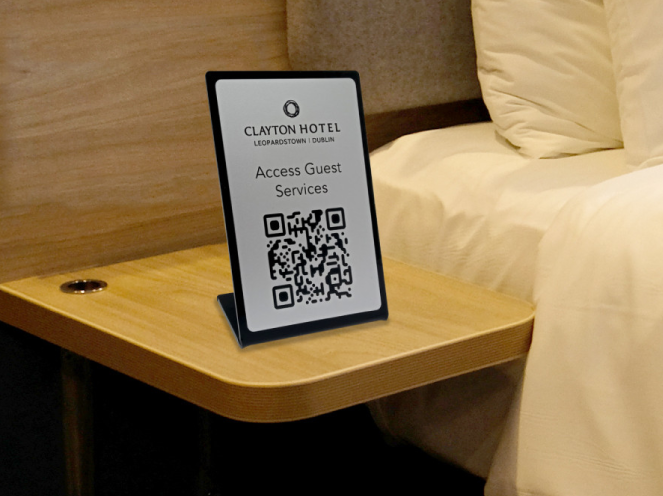
Hotels and hospitality businesses can use QR Codes throughout the guest journey to provide access to WiFi details, room service menus, hotel information, digital check-in pages, local guides, and other guest services.
Popular Uses
Digital Check-in
Guest WiFi Access
Room Service Menus
Hotel Information & Services
Manufacturing
Manufacturers can place QR Codes on products, packaging, equipment, and documentation to provide access to manuals, warranty registration, maintenance instructions, safety information, and product support resources.
Popular Uses
Product Manuals
Warranty Registration
Maintenance Guides
Safety Instructions
Corporate Offices
Businesses can use QR Codes around offices to simplify access to visitor registration, employee resources, meeting room information, internal documents, directories, and other workplace services.
Popular Uses
Employee Directory
Visitor Registration
Meeting Room Information
Internal Documents
Small Businesses
Common QR Code Use Cases for small businesses include sharing service information, collecting customer reviews, promoting offers, and connecting customers with online resources through storefronts, business cards, flyers, packaging, and receipts.
Popular Uses
Business Profiles
Service Menus
Customer Reviews
Promotions & Offers
How to Choose the Right QR Code for Your
Use Case
The right QR Code type depends on what you want to share and how you plan
to use it. Choose a simple Static QR Code for permanent information, or a
Dynamic QR Code when you need more flexibility, editing, or scan tracking.
Website QR Codes
Use Website QR Codes for websites, booking pages, forms, product
information, online resources, and other web destinations.