
QR Code Best Practices
10 Tips for Better Scans
Learn the most important QR Code Best Practices for creating codes that scan quickly, look professional, and provide a smooth experience across print and digital media.
From choosing the right size and color contrast to placement, testing, print quality, and mobile optimization, these practical tips can help you create QR Codes that are easier and more reliable to scan
20+
QR Code types
Milions
Happy User
100%
Free to Started
Why QR Best Practices Matter
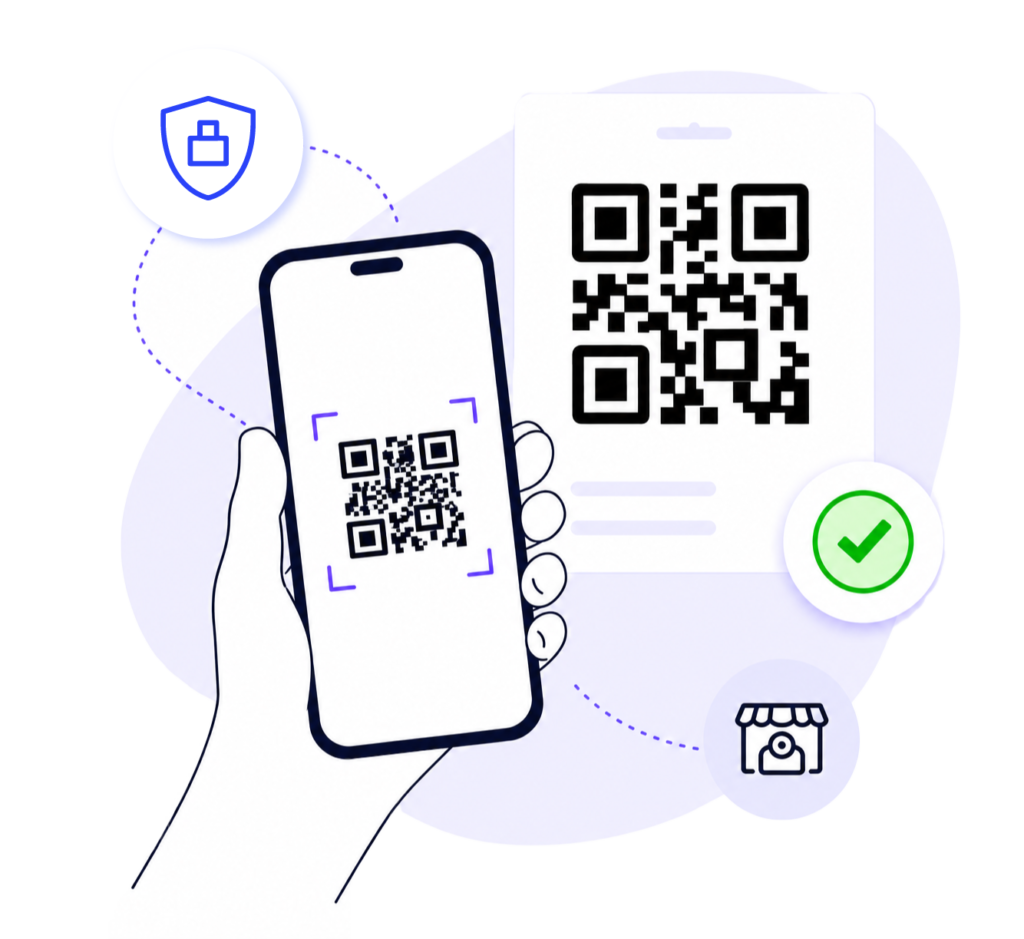
QR Codes are simple to create, but designing and placing them correctly is essential. Poor print quality, weak color contrast, incorrect sizing, or difficult placement can make a QR Code harder to scan and create a frustrating user experience.
Following proven QR Code Best Practices helps keep your codes readable and reliable across smartphones, printed materials, product packaging, restaurant menus, business cards, posters, and digital campaigns.
Getting the fundamentals right—from size and contrast to testing and placement—can improve scan reliability and help users reach the intended destination without unnecessary friction.
10 Essential QR Code Best Practices
Follow these practical QR Code Best Practices to improve scan reliability, readability, and user experience across printed materials, packaging, signage, and digital campaigns.
Choose the Right QR Code Type
Use a Static QR Code for information that will not need to change. Choose a Dynamic QR Code when you may need to update the destination later, track scans, or manage an ongoing campaign.
Use the Correct QR Code Size
Make sure your QR Code is large enough for the expected scanning distance. A code on a business card can be smaller than one used on a poster, banner, or storefront display.
Maintain Strong Color Contrast
Use a dark QR Code on a light background whenever possible. Avoid colors that are too similar, gradients that reduce readability, or backgrounds that make the code difficult for a phone camera to detect.
Keep a Clear Quiet Zone
Leave enough empty space around the QR Code so nearby text, images, borders, or design elements do not interfere with scanning. Keep this clear area consistent on all sides.
Add a Clear Call-to-Action
Tell users what will happen after they scan. Use clear instructions such as “Scan to View Menu,” “Download Brochure,” or “Visit Our Website” instead of relying only on a generic “Scan Me” message.
Place QR Codes Where They’re Easy to Scan
Position QR Codes where people can comfortably point a smartphone at them. Avoid locations that are too high, too low, obstructed, poorly lit, highly reflective, or difficult to approach safely.
Use High-Quality Files for Printing
Use high-resolution QR Code files for printed materials and choose a vector format such as SVG when suitable. Avoid blurry, stretched, compressed, or low-quality QR Code images.
Brand Without Reducing Readability
You can add brand colors, frames, and logos, but customization should never make the QR Code difficult to scan. Keep sufficient contrast, clear spacing, and avoid covering too much of the code.
Optimize the Destination for Mobile
Most QR Codes are scanned with smartphones, so the destination should load quickly and work properly on smaller screens. Avoid slow pages, desktop-only layouts, or content that is difficult to use on mobile devices.
Test Before Publishing or Printing
Testing is one of the most important QR Code Best Practices. Scan your QR Code with different smartphones before launching a campaign or printing large quantities. Test the final size, placement, lighting conditions, printed material, and destination to make sure everything works correctly.
Technical reference: Learn more about QR Code structure, specifications, and scanning technology from DENSO WAVE, the developer of QR Code technology.
QR Code Best Practices in Real-World Examples
Discover how different industries use QR Code Best Practices to improve customer experiences, simplify communication, and increase engagement.
WiFi Sharing
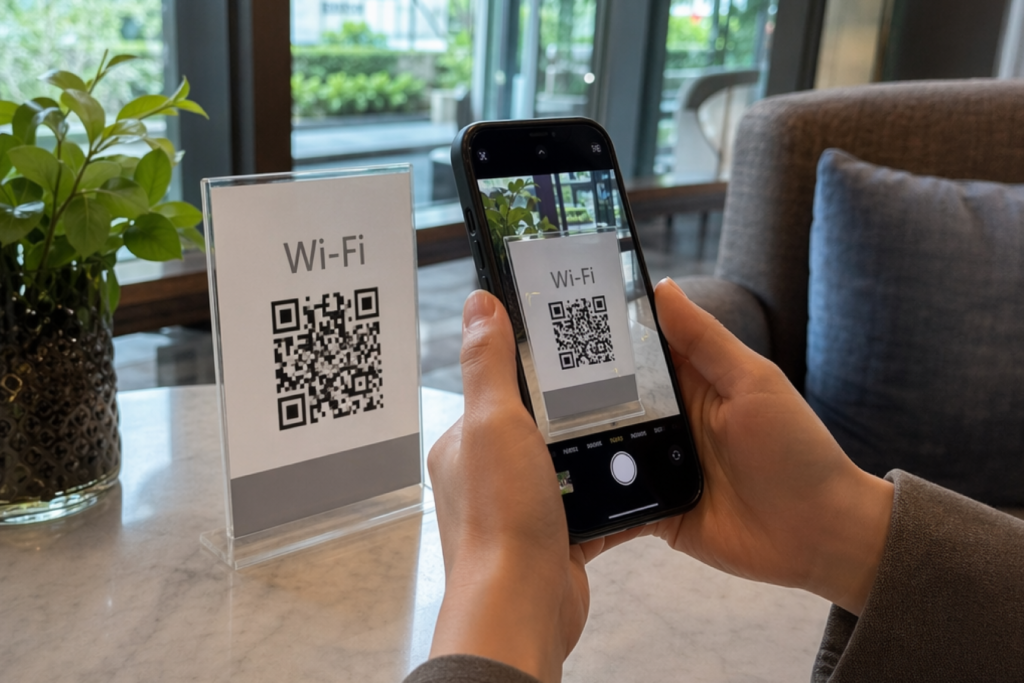
Place the QR Code where guests can easily reach it, such as a reception desk or table, and test the connection before displaying it.
Business Cards
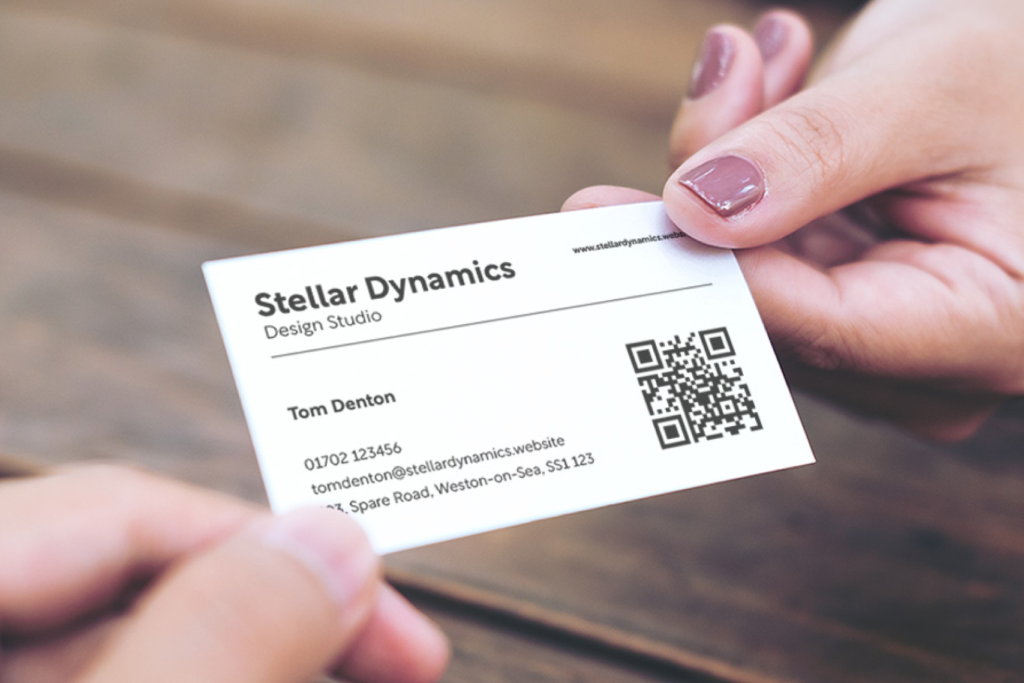
Keep the QR Code large enough to scan easily and avoid placing it too close to edges, small text, or busy design elements.
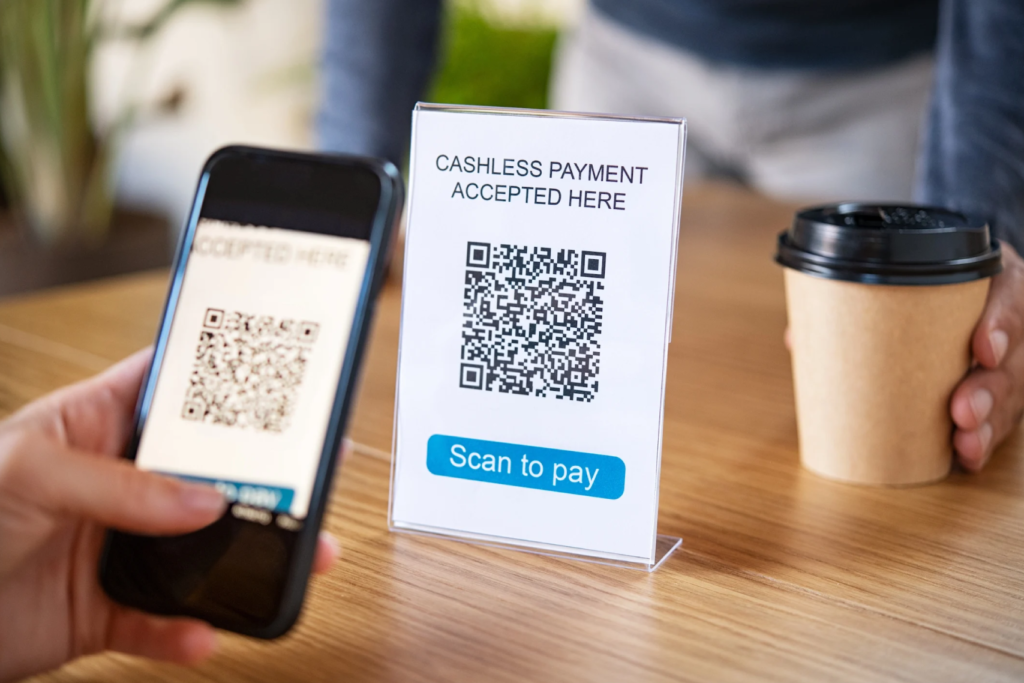
Payments
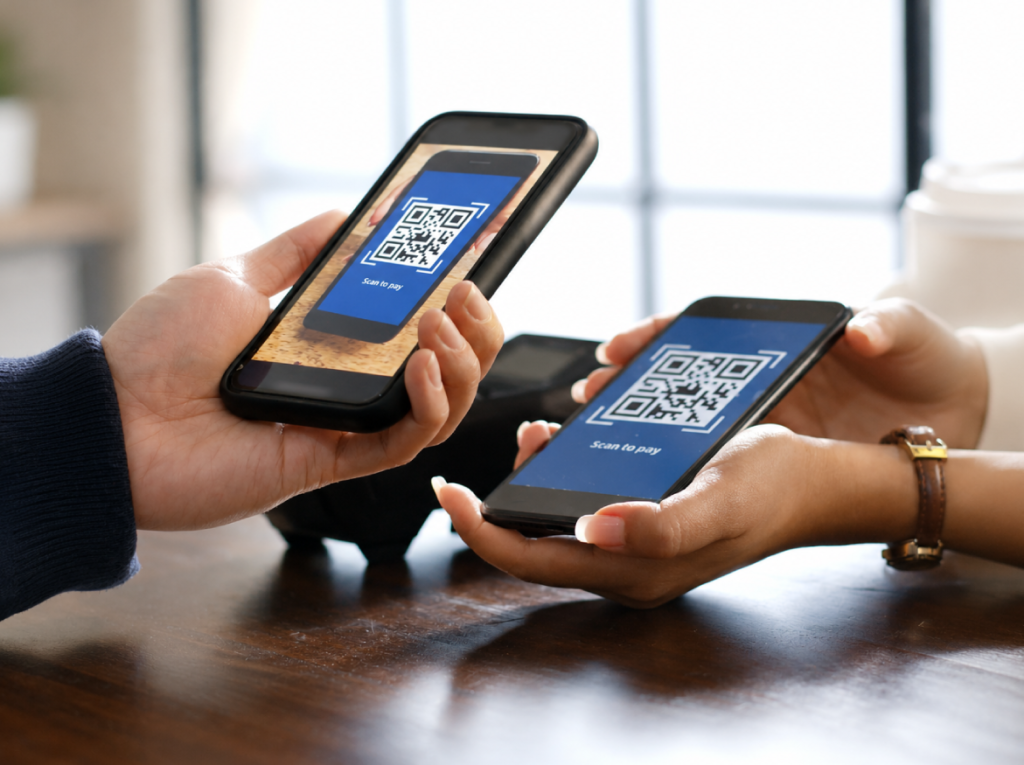
Use a clear payment label, maintain strong contrast, and make sure customers can confirm the destination or payment details before proceeding.
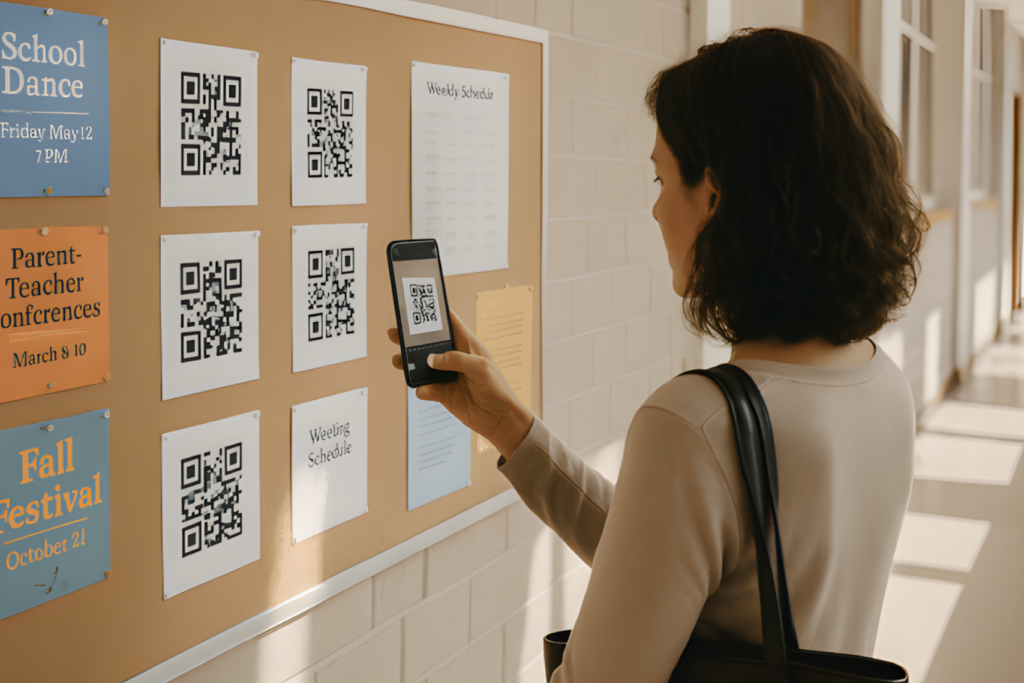
Schools & Education
Place QR Codes where students can scan them comfortably and link to mobile-friendly resources that load quickly.
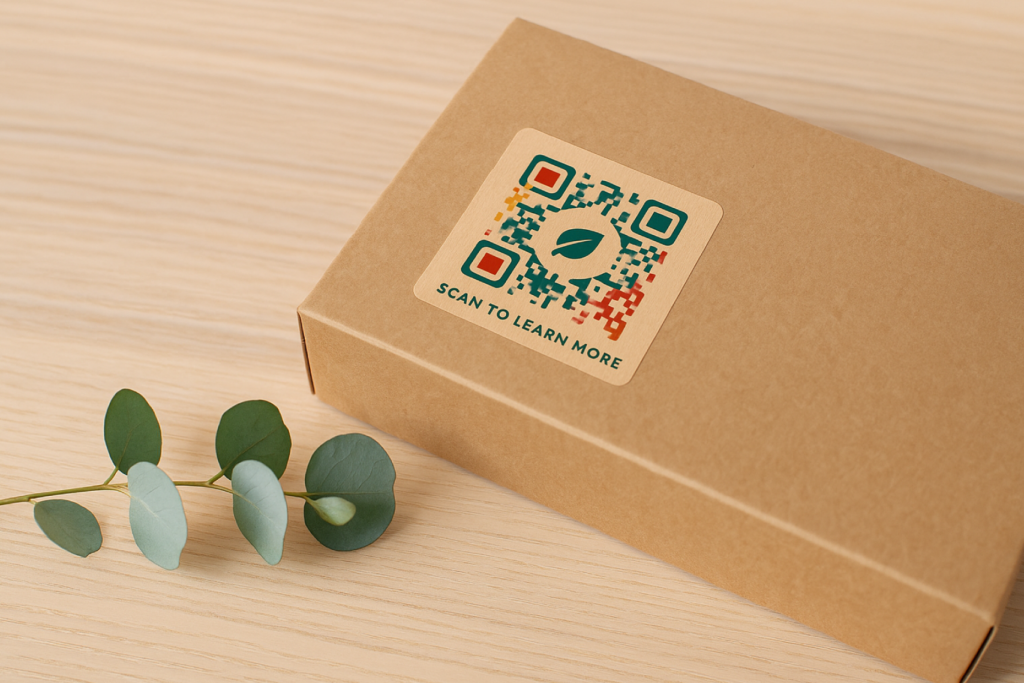
Product Packaging
Avoid folds, seams, highly curved areas, and reflective surfaces that can make the QR Code difficult to scan.
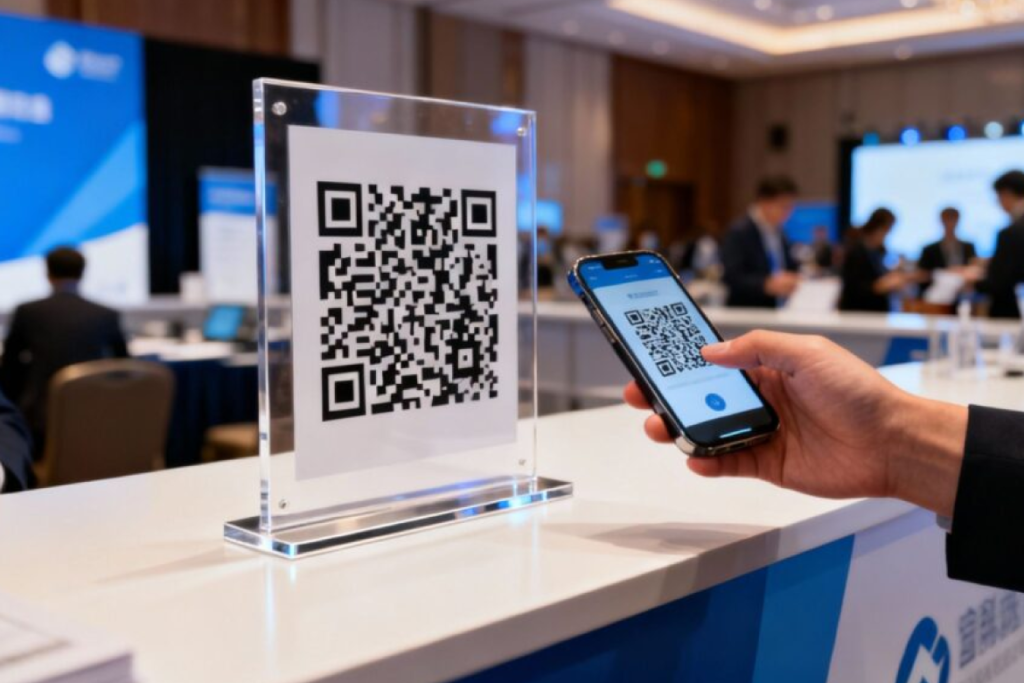
Events & Marketing
Add a clear CTA, test the QR Code before production, and consider a Dynamic QR Code when campaign destinations may need to change later.