
Google Review QR Code Generator
A Google Review QR Code Generator is one of the easiest and most effective ways to collect more customer reviews for your business. With the Google Review QR Code Generator by Genie QR Code, you can create a free QR code for your Google Business Profile in just seconds. Customers simply scan the QR code using their smartphone camera and are taken directly to your Google review page—no searching, no typing, and no hassle.
This simple method removes friction from the review process and significantly increases the number of reviews your business receives. Whether you run a restaurant, clinic, shop, salon, or service-based business, using a Google Review QR Code Generator helps you build trust, strengthen your online reputation, and improve your visibility in Google Search and Google Maps.
The best part? Genie QR Code’s Google Review QR Code Generator is completely free, works on all devices, has no scan limits, and never expires. You can use your QR code online or print it on receipts, menus, posters, and business cards to start collecting reviews instantly.
STEP 01
Complete the content
STEP 02
Design & Customize
Optional single-line text, up to 25 characters.
Body Pattern
External Eye
Internal Eye
Preset Logos
Upload Your Logo
Logo Settings
Higher error correction improves scan reliability but can make the QR code denser.
Logo QR codes use high error correction for better scanning.
QR preview will appear here
This QR code is free for lifetime use with unlimited scans and no expiry. Please test it before printing.
Your QR code was downloaded successfully!
Check the top-right area of your browser or your Downloads folder to find the file.
Fast, secure, and reliable QR codes — ready to use instantly.
Unlimited free scans. No expiry.
How to Create a Google Review QR Code (3 Easy Steps)
Creating a Google Review QR Code using our Google Review QR Code Generator takes less than a minute.
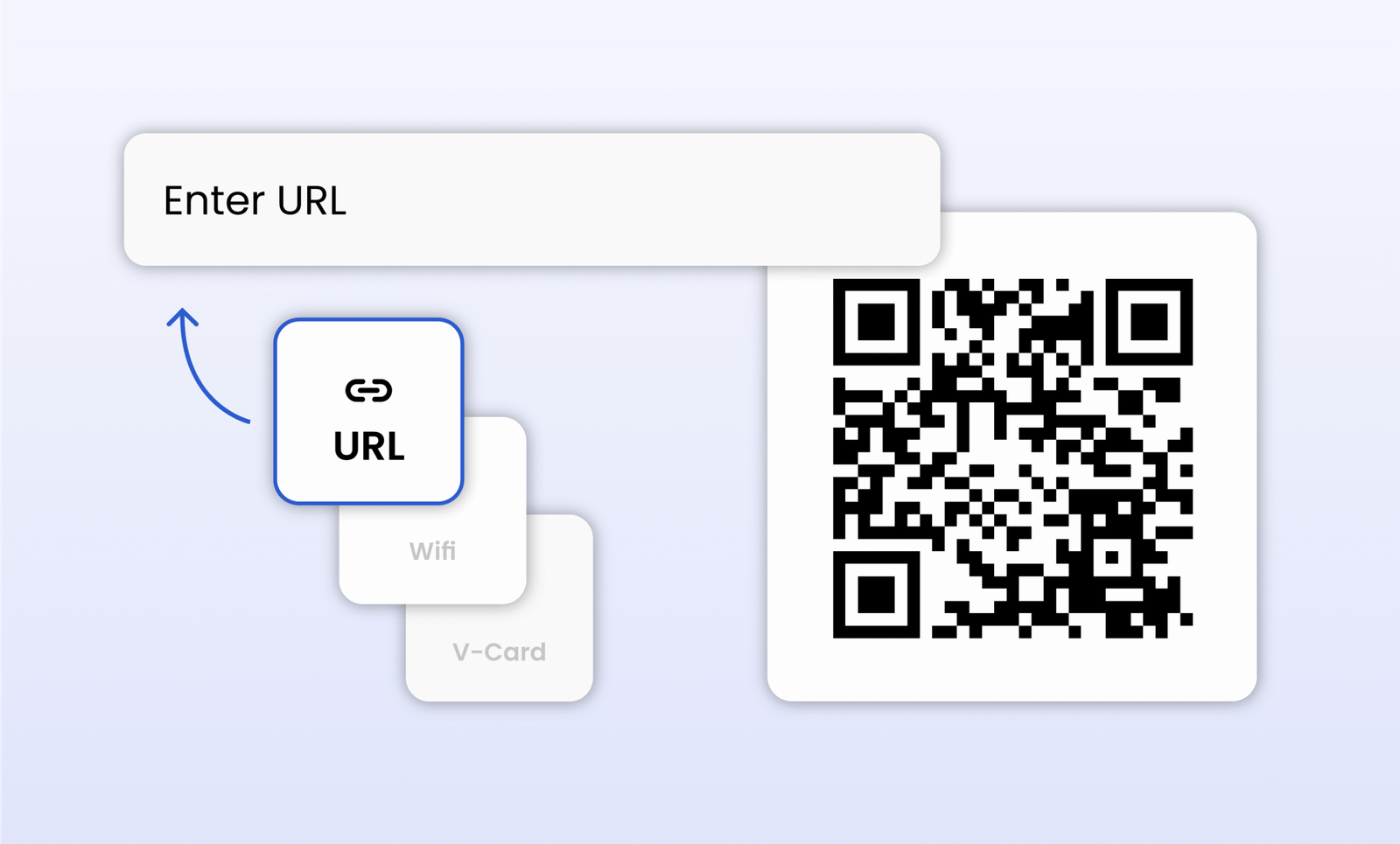
Enter Your Data
Open your Google Business Profile and copy the direct link that allows customers to leave a review.
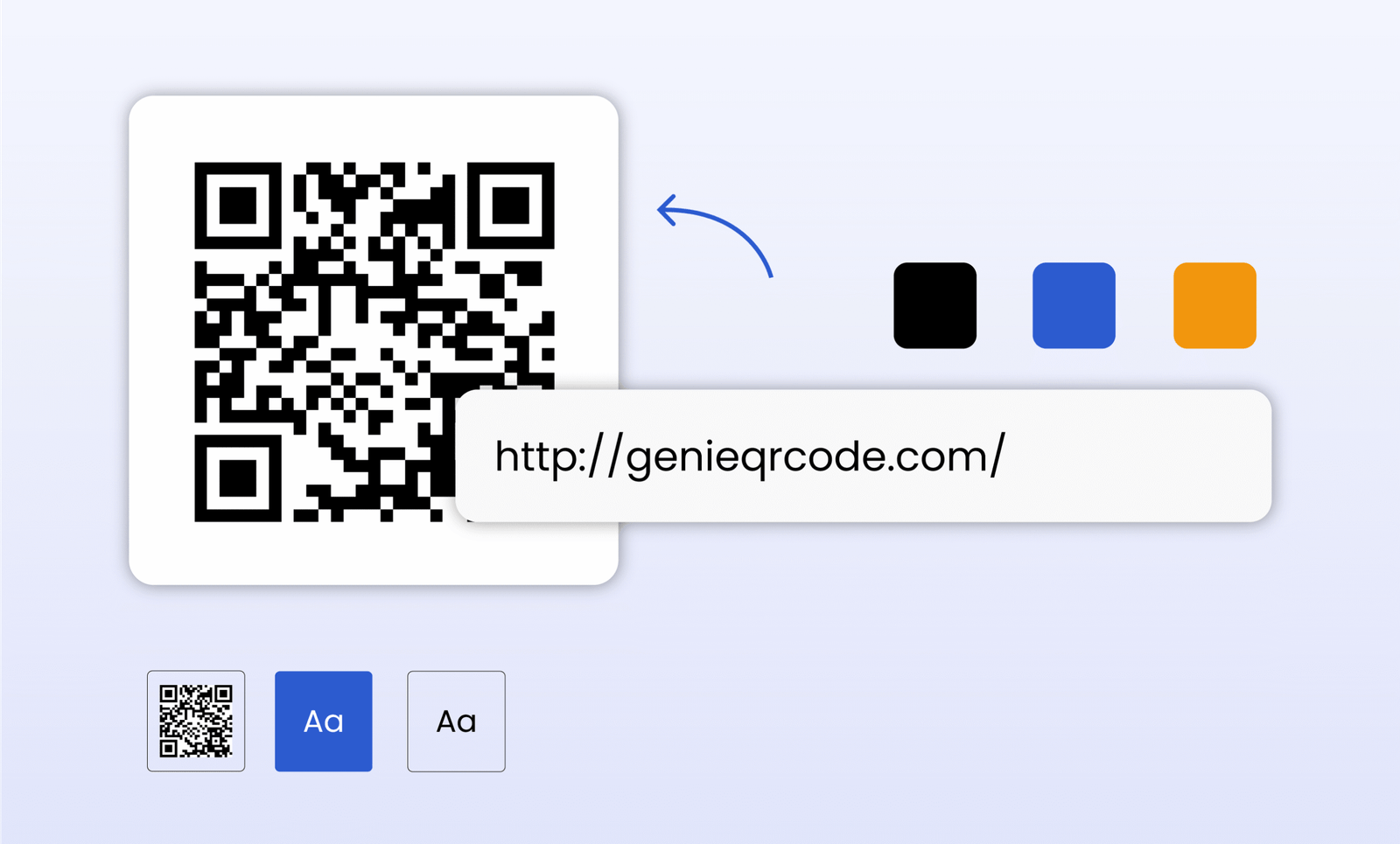
Customize Your QR Code
Paste your Google review link into the URL field of the generator above. You can customize the QR code size, color, margin, and error correction level (ECC) if needed.
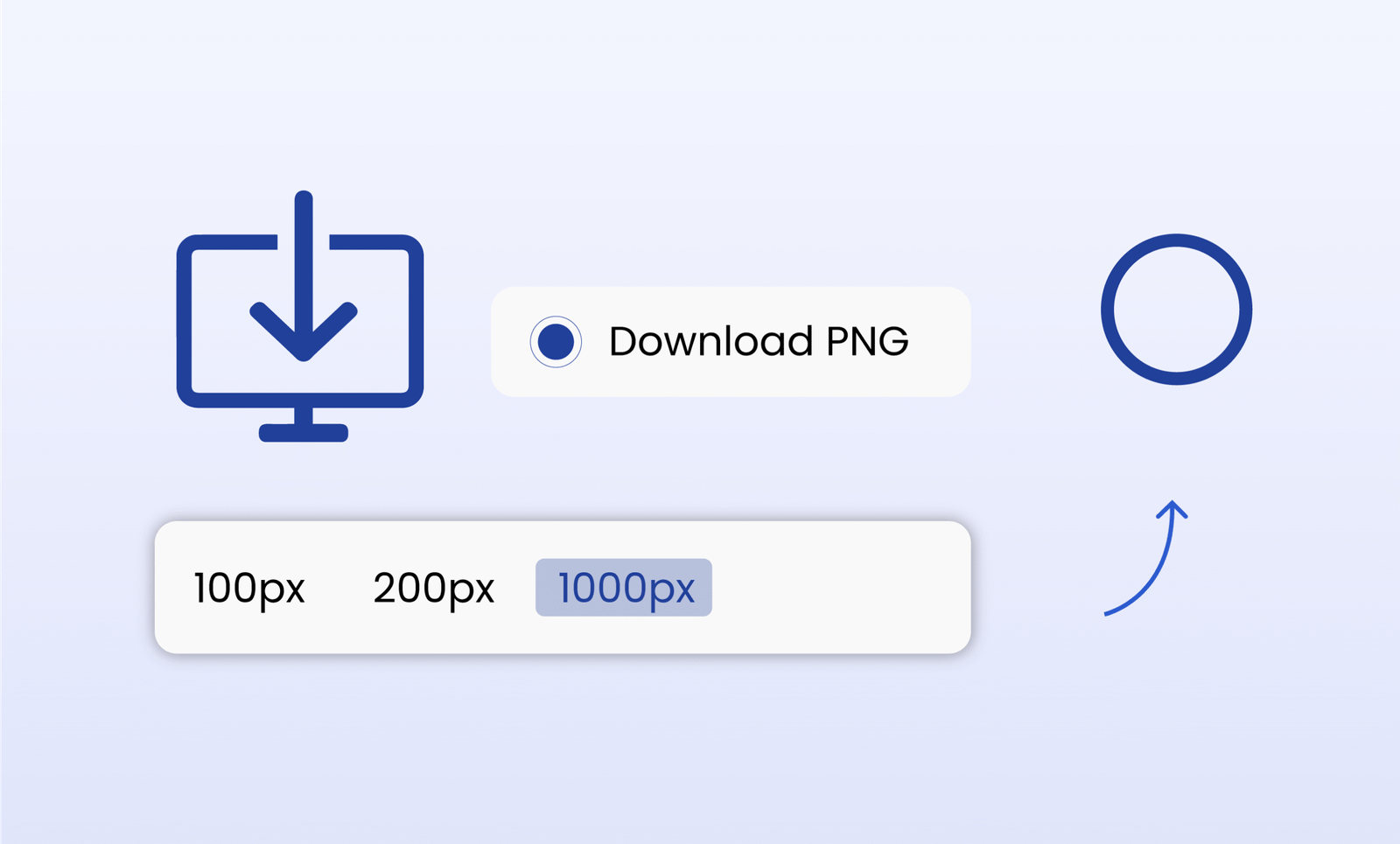
Generate & Download
Click Generate to preview your QR code, then click Download to save it as a PNG file. Your Google Review QR Code is now ready to print or share digitally.
To ensure your printed review codes scan perfectly every time (especially on menus or window stickers), check out our Genie QR Code Best Practices guide for sizing and color tips.
Improve Your Review Ratings on Google Business with QR Codes
Using a Google Review QR Code Generator makes it easy for satisfied customers to leave feedback. Instead of searching for your business name and navigating through multiple steps, customers can scan a QR code and reach your review page within seconds.
This convenience increases review response rates because customers can share their experience while it’s still fresh. Whether someone visits a restaurant, clinic, salon, or store, a QR code placed at the right spot helps turn positive experiences into reviews.
By reducing friction in the review process, businesses often see an increase in the number of reviews they receive. A higher volume of genuine reviews improves credibility, builds trust, and supports better visibility in local Google search results.
QR codes also encourage customers who might normally skip leaving feedback. When sharing an experience is as simple as “scan and tap,” even busy visitors are more likely to respond. Over time, this creates a steady flow of authentic reviews that strengthen your online reputation.
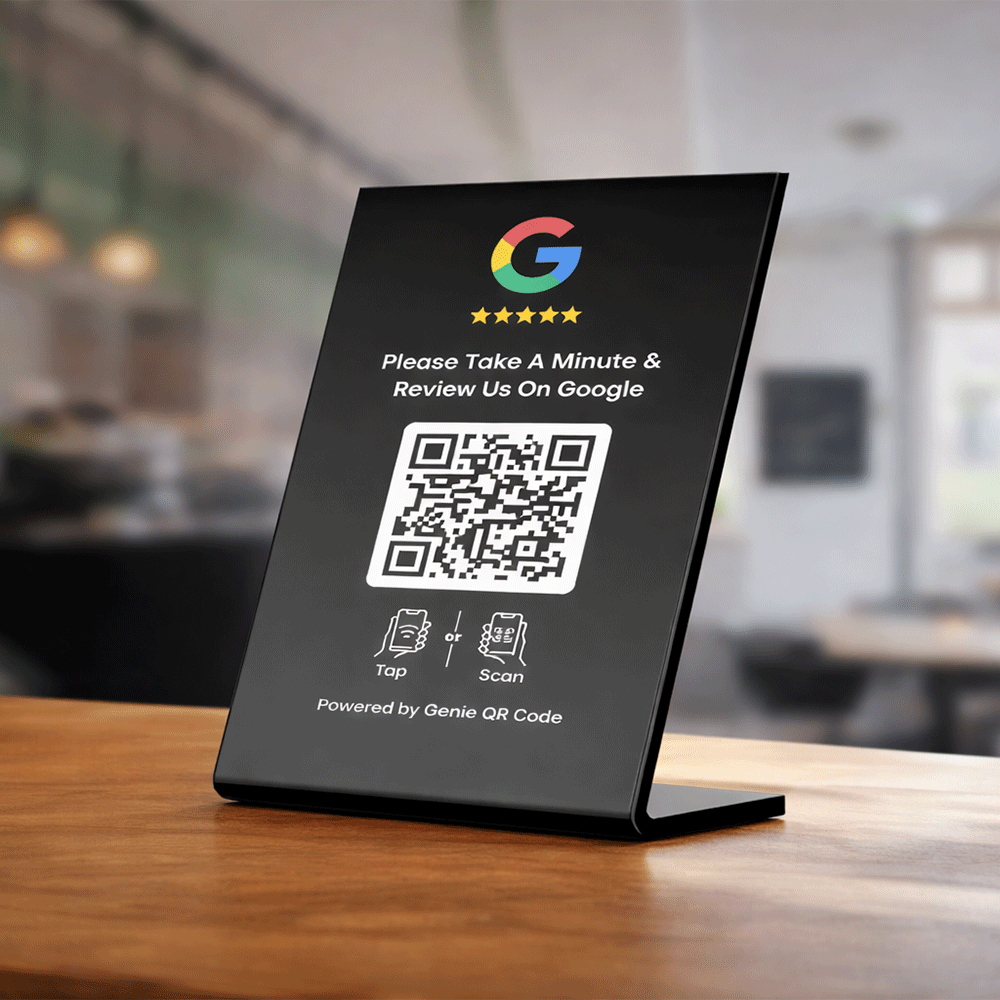
Increase Your Local Rankings in Google Search Results
Google’s local ranking algorithm considers the quantity, quality, and freshness of customer reviews as key ranking factors. Businesses with more positive and recent reviews consistently perform better in Google Maps and local search results.
By using a Google Review QR Code Generator, you proactively encourage customers to leave reviews, which directly improves your local SEO performance. As your review count grows, Google sees your business as more trustworthy and relevant, increasing your chances of appearing at the top of local search results.
Higher rankings mean greater visibility. When potential customers search for services near them, your business appears more prominently, leading to increased foot traffic, phone calls, website visits, and inquiries. This visibility directly translates into more customers and higher revenue—without spending on ads.
Higher Rankings
Boost local SEO visibility
More Reviews
Increase review volume
Maps Visibility
Appear in local searches
Customer Trust
Build credibility fast
Best Use Cases for Google Review QR Codes
A Google Review QR Code Generator can be used by almost any business. Here are some of the most effective use cases:
Restaurants and Cafés
Place Google Review QR Codes on menus, receipts, table tents, or counter displays so diners can leave reviews immediately after their meal.
Medical Clinics and Pharmacies
Display QR codes in waiting areas or at checkout counters to collect patient feedback and improve your online reputation.
Retail Stores
Add QR codes to receipts, product packaging, or in-store posters to boost customer reviews and increase local search visibility.
Salons and Beauty Centers
Share QR codes with clients after appointments to capture positive feedback while the experience is still fresh.
Service-Based Businesses
Include Google Review QR Codes in invoices, email signatures, follow-up messages, or WhatsApp communications to make reviewing effortless.
Why Should I Create a Google Business QR Code with Genie QR Code Generator?
Online reviews play a major role in customer decision-making. According to insights shared by Google, customer reviews are a key factor in how businesses appear in local search results and Google Maps through Google Business Profile. Most consumers check reviews before choosing a local business, making reviews one of the strongest trust signals online.
The takeaway is simple: businesses with more reviews and higher ratings naturally attract more customers.
However, customers can only leave reviews if they have easy access to your Google review page. Long and complex URLs are difficult to type, especially on mobile devices, which causes many users to abandon the process before completing a review.
This is where a Google Review QR Code Generator becomes essential. By converting your Google review link into a QR code, customers can reach your review page instantly with a single scan. Whether scanned from a printed flyer, receipt, or digital screen, the QR code removes barriers and simplifies the entire review process.
More reviews combined with improved local visibility create a powerful growth cycle—helping your business stand out in your community, gain trust faster, and attract new customers organically.
Frequently Asked Questions (FAQs)
Yes! Genie QR Code’s Google Review QR Code Generator is completely free. You can create unlimited QR codes for your Google Business Profile without paying anything. There are no hidden charges, no subscription plans, and no limits on the number of scans.
No sign-up is required. You can generate your QR code instantly and start sharing it right away, saving time and avoiding unnecessary steps.
No. Once created, your QR code never expires. You can use it on print materials or online indefinitely, making it a reliable tool for collecting reviews over time.
Yes! You can print it on receipts, menus, posters, flyers, or business cards. Placing the code where customers see it makes leaving a review quick and convenient.
Yes. The QR code works on all smartphones, including both iOS and Android. Customers can scan it easily using their camera or a QR scanner app.
Yes. You can adjust the size, color, margin, error correction level, and even add a logo or frame to make it match your brand and look professional.
Absolutely. The QR code only links to your Google review page. It doesn’t collect personal data, ensuring your customers can leave feedback safely.
Yes. More reviews improve your credibility and boost local search rankings on Google Maps and Search. A higher review count and better ratings can attract more customers and increase visibility.