Introduction
What Is a QR Code and How Does It Work is one of the most practical technology questions in 2026. QR codes are everywhere—on restaurant tables, payment counters, product packaging, event tickets, hospital forms, school notices, and marketing billboards. With one quick scan, a simple square pattern connects users from the physical world to the digital world.
Understanding what is a QR code and how does it work is important because QR code technology now powers contactless payments, digital menus, app downloads, product authentication, and online registration systems. QR codes act as bridges between offline materials and online content, eliminating the need to type long URLs or manually enter data.
As digital ecosystems expand, knowing how QR codes work helps individuals use them confidently and helps businesses deploy them responsibly. This guide explains the structure, history, types, uses, safety considerations, and future of QR code technology in a clear, beginner-friendly, and authoritative way.
What Is a QR Code and How Does It Work?
To fully understand what is a QR code and how does it work, we must begin with a definition.
A QR code (Quick Response code) is a two-dimensional barcode that stores data in a square grid of black and white modules. Unlike traditional barcodes that store information in one direction, QR codes store information both horizontally and vertically. This allows them to hold significantly more data.
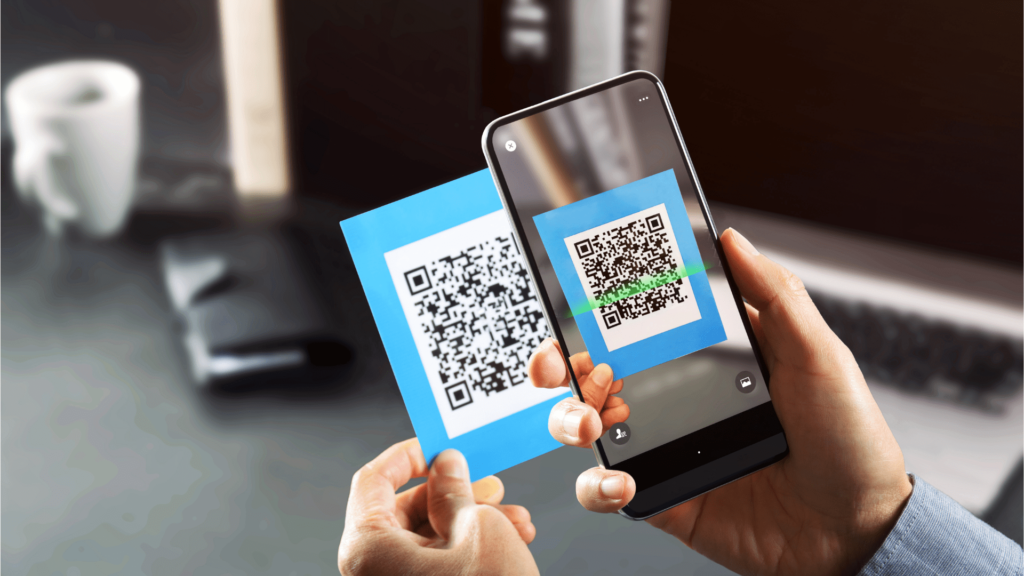
QR code technology is based on encoding data into binary patterns that can be interpreted by scanning devices. When scanned using a smartphone camera or QR code scanner, the encoded information is decoded and converted into readable instructions, such as opening a website or saving contact details.
The Origin of QR Code Technology
When exploring what is a QR code and how does it work, understanding its origin provides valuable context.
QR codes were invented in 1994 by Denso Wave, a Japanese technology company and subsidiary of Toyota. At the time, the automotive industry needed a faster and more efficient way to track vehicle components during manufacturing. Traditional one-dimensional barcodes were limited in how much data they could store and required precise alignment during scanning, which slowed down assembly processes.
Denso Wave developed QR code technology to overcome these limitations by designing a two-dimensional code that could:
- Store significantly more data
- Be scanned at high speed
- Be read from multiple angles
- Maintain accuracy even if partially damaged
The innovation dramatically improved production efficiency. Unlike conventional barcodes, QR codes could encode thousands of characters and did not require strict horizontal alignment.
One of the most important decisions made by Denso Wave was to make the QR code specifications publicly available and royalty-free. This strategic move encouraged global adoption across industries beyond automotive manufacturing. You can read more about the original development of QR code technology on the official Denso Wave website.
Because the technology was open and easy to implement, QR codes quickly expanded into retail, logistics, transportation, and eventually consumer applications. With the rise of smartphones, QR codes moved from factory floors to everyday life, becoming a universal bridge between offline objects and online information.
Today, understanding what is a QR code and how does it work requires acknowledging that its open standard and industrial efficiency roots played a major role in its global success.
How QR Codes Work Step by Step
To answer what is a QR code and how does it work in practical terms, let’s break the process into simple steps:
- A QR code is generated with encoded information.
- A smartphone camera or QR code scanner captures the image.
- The scanning software detects three large square position markers.
- The software reads the black and white pattern as binary data.
- Error correction algorithms verify data accuracy.
- The decoded data is interpreted.
- The device performs the programmed action.
All of this happens within seconds.
This rapid process is why QR codes are called “Quick Response” codes.
QR Code Structure Explained
Understanding QR code structure helps explain how QR codes work reliably.
A standard QR code contains several essential components:
1. Position Detection Patterns
Three large squares located in the corners. They allow the scanner to determine orientation.
2. Alignment Patterns
Smaller squares that improve scanning accuracy.
3. Timing Patterns
Help determine the size and spacing of data modules.
4. Data Modules
Tiny black and white squares that contain encoded information.
5. Error Correction Blocks
Allow recovery of damaged data.
6. Quiet Zone
A blank white border surrounding the code to ensure proper scanning.
QR code data storage capacity depends on version and configuration. A standard QR code can store:
- Website URLs
- Text (up to thousands of characters)
- Contact information
- Email addresses
- WiFi credentials
- Payment instructions
Error correction levels allow QR codes to remain scannable even if partially damaged or dirty.
History and Evolution of QR Codes
Understanding what is a QR code and how does it work requires examining how QR code technology evolved over time.
Early Industrial Adoption
Initially, QR codes were used primarily in the automotive and manufacturing industries. They improved supply chain tracking and reduced scanning errors.
Smartphone Revolution
The next major milestone occurred when smartphones integrated QR code scanner functionality directly into camera apps. Users no longer needed third-party applications.
This shift made QR codes accessible to billions of people worldwide.
Growth After Global Health Events
Global health events accelerated QR adoption. Businesses needed contactless systems to minimize physical interaction. QR code uses expanded dramatically in:
- Restaurants (digital menus)
- Healthcare facilities
- Government check-ins
- Event registrations
By 2026, QR code technology has become part of standard digital infrastructure.
Types of QR Codes Explained
When asking what is a QR code and how does it work, it’s important to understand that QR codes can store different types of information.
- URL QR CodesRedirect users to websites. You can [Create a Free Website QR Code] on our homepage to link your customers to any online destination.
- vCard QR CodesStore contact details for instant saving to a phone’s address book. This is the modern version of a business card.
- WiFi QR CodesAllow automatic connection to wireless networks without typing a password. Ideal for offices and cafes.
- PDF QR CodesProvide access to downloadable documents like manuals or menus.
Pro Tip: Each type demonstrates how QR code technology adapts to different needs. You can generate any of these for free using our QR Code Generator. For more complex needs, businesses often use a Google Review QR Code to collect feedback quickly.
Google Review QR Codes
Google Review QR codes help businesses collect customer feedback quickly and conveniently. Instead of searching manually, customers can scan the code and leave a review instantly. When setting this up, it’s important to understand the difference between static vs dynamic QR codes and follow proper Google Review QR code implementation practices to ensure flexibility, security, and a smooth user experience.
App Download QR Codes
Redirect users to app stores.
Each type demonstrates how QR code technology adapts to different needs.
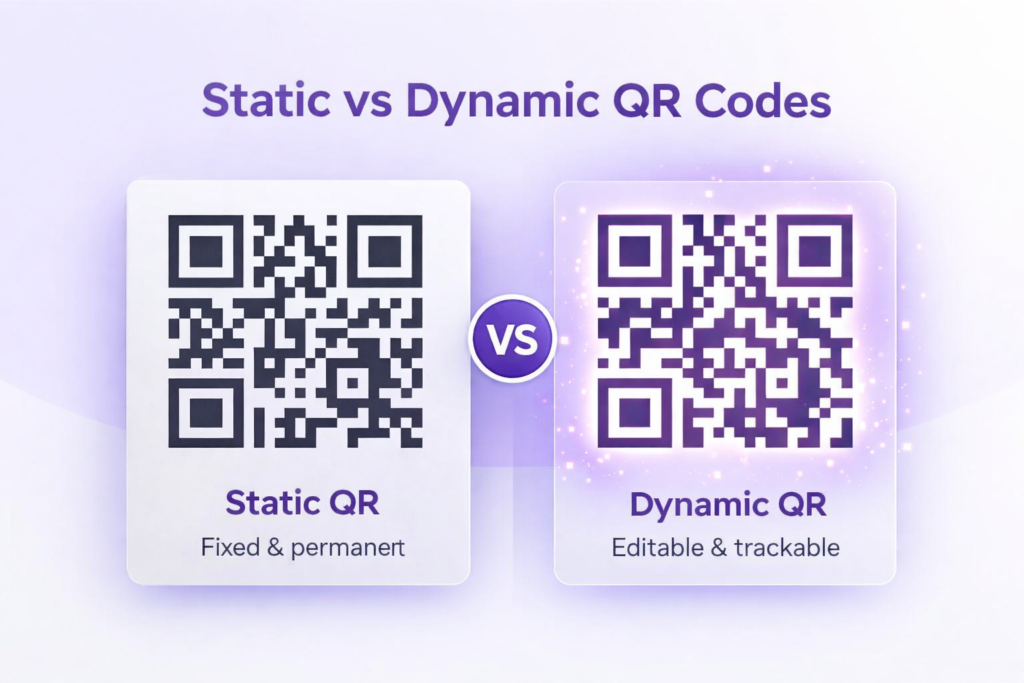
Static vs Dynamic QR Codes
Understanding what is a QR code and how does it work also involves knowing the difference between static vs dynamic QR codes.
For detailed explanation, see static vs dynamic QR codes.
Static QR Codes
- Data is fixed permanently
- Cannot be edited after printing
- No scan analytics
Dynamic QR Codes
- Destination URL can be updated
- Provide scan tracking
- More flexible for marketing campaigns
Security aspects are covered in the QR Code Security Guide.
Comparison Table
| Feature | Static QR Code | Dynamic QR Code |
|---|---|---|
| Editability | No | Yes |
| Analytics | No | Yes |
| Data Storage | Direct | Redirect-based |
| Marketing Use | Basic | Advanced |
| Security Control | Limited | Flexible |
Businesses often prefer dynamic QR codes due to tracking capabilities.
Common Use Cases of QR Codes
QR code uses continue expanding across industries.
Small Businesses
Small enterprises use QR codes for menus, payment links, and product catalogs. Practical deployment guidance is available in QR codes for small businesses.
Restaurants
Digital menus and ordering systems.
Retail
Product details and promotional campaigns.
Education
Access to study materials and event registration.
Healthcare
Appointment scheduling and digital forms.
Events
Ticket validation and attendee tracking.
These QR code examples illustrate versatility.
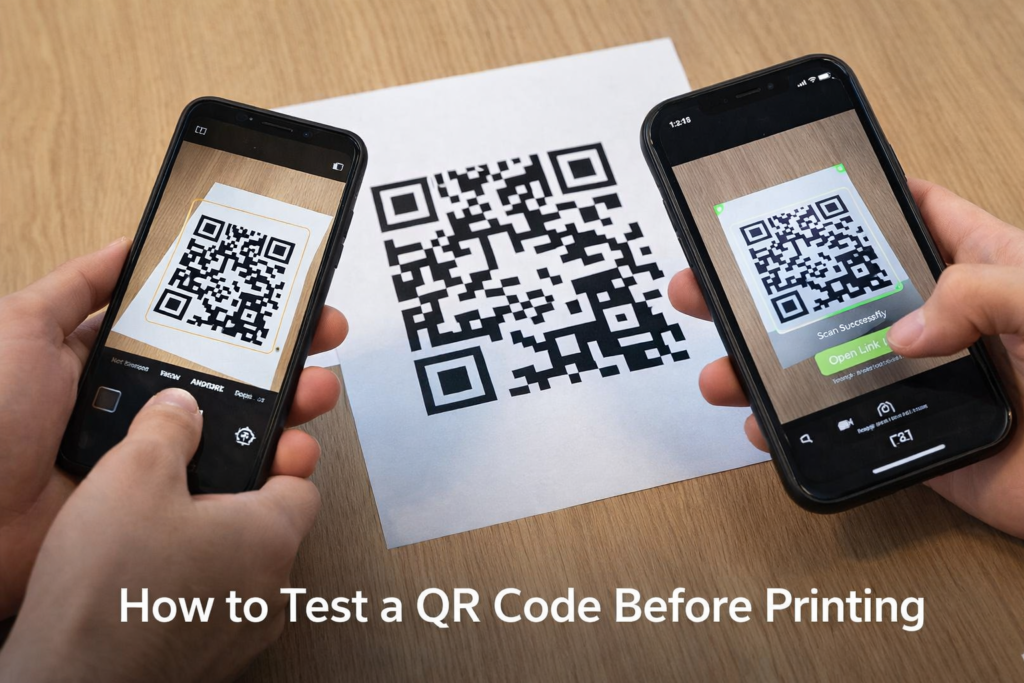
Step-by-Step Guide: How QR Codes Work in Real Life
Let’s revisit what is a QR code and how does it work in everyday scenarios:
- A user sees a QR code on a poster.
- The user opens their smartphone camera.
- The scanner detects the QR pattern.
- Software identifies structural markers.
- The encoded data is decoded.
- The smartphone performs the intended action.
The entire process takes less than two seconds.
QR Code vs Barcode
For official barcode standards, refer to GS1 guidelines.
| Feature | QR Code | Traditional Barcode |
|---|---|---|
| Dimensions | 2D | 1D |
| Data Capacity | High | Limited |
| Scan Angle | Any angle | Horizontal only |
| Error Correction | Yes | Minimal |
| Use Cases | Digital + Physical | Retail inventory |
QR codes outperform traditional barcodes in data storage and flexibility.
Are QR Codes Safe?
When examining what is a QR code and how does it work, safety is an important topic.
QR codes themselves are not harmful. The risk depends on the destination link.
For safe browsing guidance, refer to the QR Code Security Guide.
For online security basics, see Google Safety Center:
For broader online security principles, review recommendations from the Google Safety Center.
Users should:
- Verify URLs
- Avoid scanning suspicious codes
- Keep devices updated
Future of QR Codes in 2026 and Beyond
The future of QR code technology includes:
- Smart packaging integration
- AI-powered scanning enhancements
- Personalized marketing experiences
- Contactless financial systems
- Augmented reality features
According to research published by Gartner, digital interaction tools like QR codes will continue expanding globally.
Understanding what is a QR code and how does it work ensures readiness for future digital transformations.
FAQs
Do QR codes expire?
Static QR codes do not expire on their own unless the content they link to is removed or changed. They remain fully functional indefinitely, making them ideal for permanent print materials like business cards or product packaging. Dynamic QR codes, however, may have expiration dates or access limits set by the creator, depending on the platform used. Always check the settings if you plan to use dynamic QR codes for long-term campaigns.
Do QR codes store personal data?
QR codes themselves only store the information you encode. They do not automatically capture personal data from users. Personal information is included only if intentionally embedded, such as a vCard or form data. This means QR codes are safe by default, but businesses should handle any collected personal information according to privacy laws and regulations to ensure user trust and compliance.
Can QR codes be tracked?
Dynamic QR codes can track scans, providing useful analytics such as the number of scans, location, device type, and time of scan. This makes them very useful for marketing campaigns and performance monitoring. Static QR codes cannot be tracked because they store fixed data only, so no analytics or scan history is available. Choosing the right type depends on whether tracking is necessary.
What happens when you scan a QR code?
When a QR code is scanned, the scanning device interprets the encoded information and performs the programmed action almost instantly. This could include opening a website, displaying text, saving contact information, connecting to WiFi, or redirecting to an app store. The process is rapid, typically taking less than a second, which is why they are called “Quick Response” codes. The efficiency and versatility make QR codes suitable for countless real-world applications.
Are QR codes free to create?
Basic static QR codes can be generated at no cost using numerous free online tools. These codes are ideal for personal use, small business marketing, or informational purposes. Dynamic QR codes with advanced features like tracking, analytics, or editable destinations may require subscription services, depending on the platform. Free generation is usually sufficient for most everyday use cases.
Do QR codes require internet access?
Internet access is required only if the QR code links to online content such as websites, app downloads, or cloud-based documents. If a QR code contains offline data, like plain text, vCard contact details, or WiFi credentials, it does not need an internet connection to function. Always consider the type of data encoded to determine whether users must be online to use it effectively.
Conclusion
Understanding What Is a QR Code and How Does It Work provides clarity in today’s digital world. QR code technology connects physical objects to online resources quickly and efficiently. From manufacturing origins to global adoption, QR codes have evolved into essential communication tools.
By understanding QR code structure, data storage, types, security considerations, and real-world use cases, individuals and businesses can use QR codes confidently in 2026 and beyond.
QR codes may look simple, but they represent powerful digital gateways shaping modern interaction.